
CRM that keeps yourbusiness moving.
Manage leads, customers, sales, follow-ups and growth from one intelligent workspace.
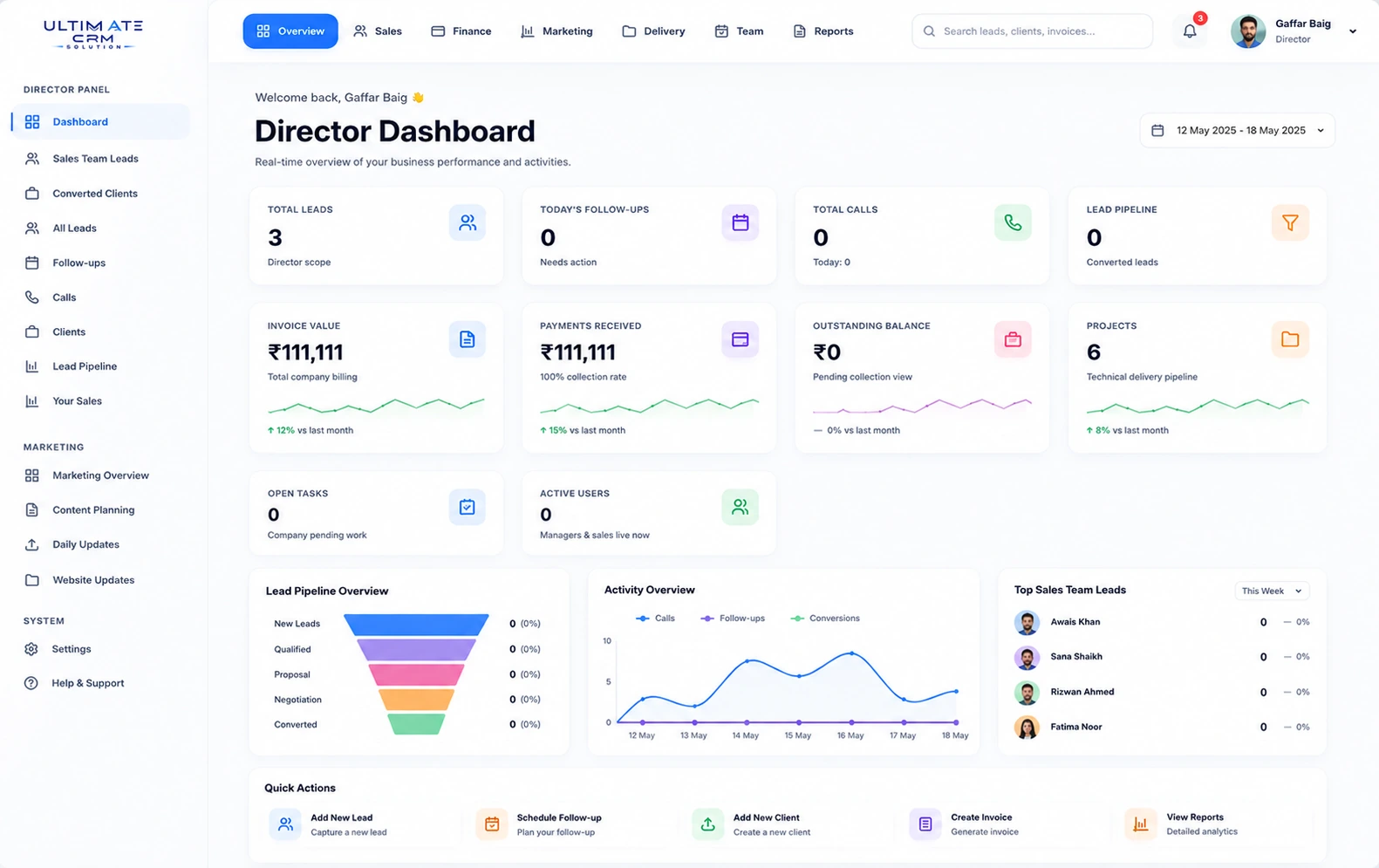
01 — Lead Management
Turn every lead into an opportunity.
Capture, assign and track every enquiry the moment it arrives — contact details, source, owner and status in one place.
02 — Follow-ups
Never let an opportunity go cold.
Scheduled follow-ups keep every conversation moving — planned, tracked and visible to the whole team.
03 — Sales Pipeline
Every deal, stage by stage.
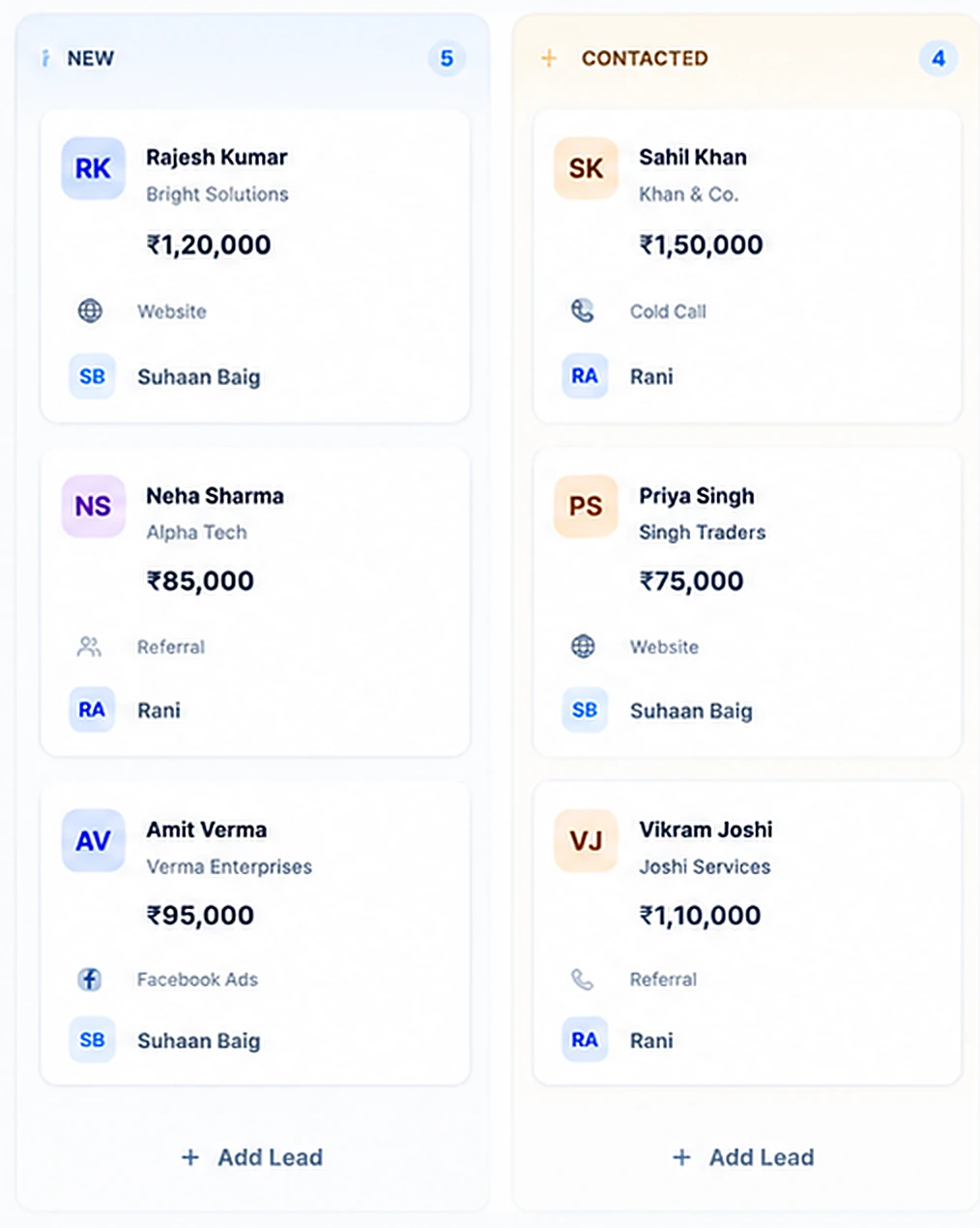
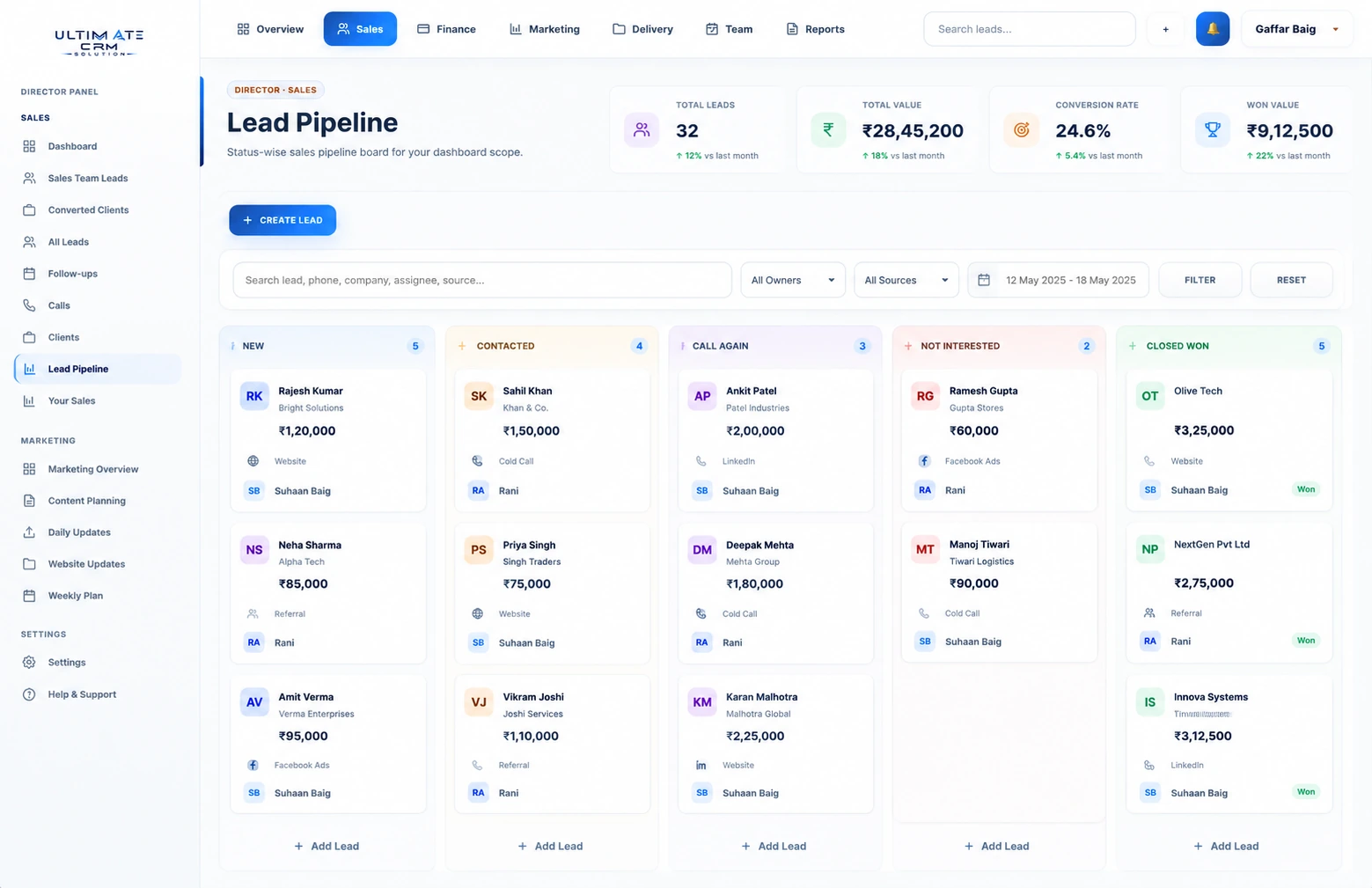
A live kanban of your entire pipeline — from first touch to closed won, with value on every card.
A gap in your follow-upis a gap in your sales.
When leads are scattered, opportunities are missed. Scroll — and watch Ultimate CRM illustrate an organized workflow.
What your team sees without CRM
What your team sees with CRM
Lead Inbox
This week · demo dataWith Ultimate CRM
1%Leads tracked & followed up
See every deal.Know what happens next.
New, Contacted, Call Again, Not Interested, Closed Won — your entire quarter on one board, with owners, sources and deal values always visible.
Live deals on the board · demo
Lead conversion rate · demo
Follow-ups tracked · demo
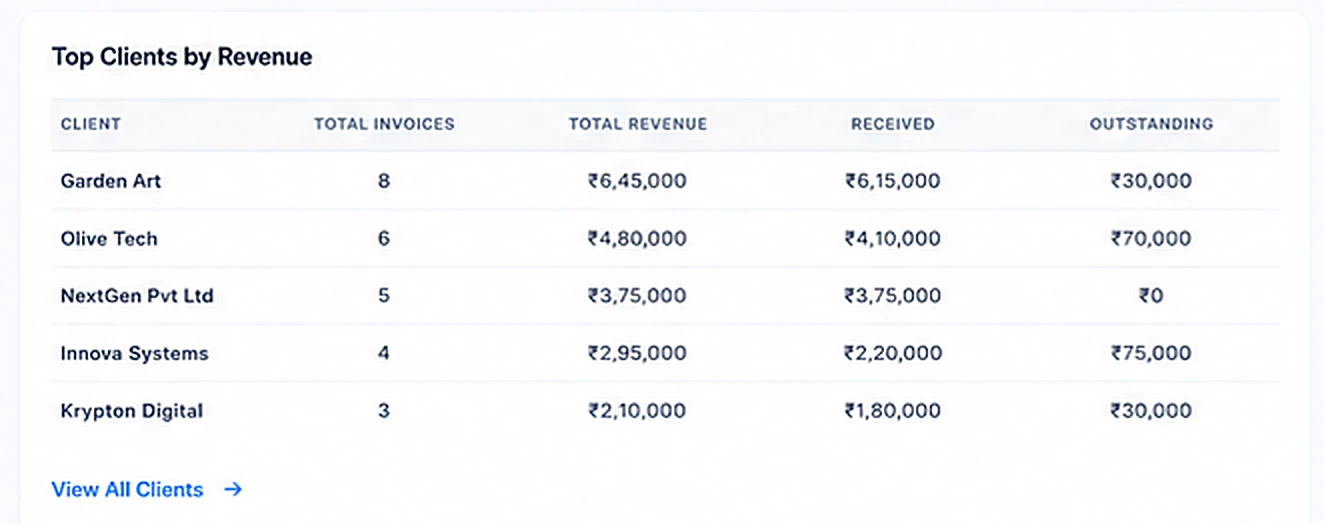
Every customer.One clear view.
Revenue, invoices, outstanding balances and full history for every client — organized and accessible from one workspace.
- Complete client revenue history
- Invoices, payments and outstanding balance
- Top clients ranked automatically
Sales you canactually measure.
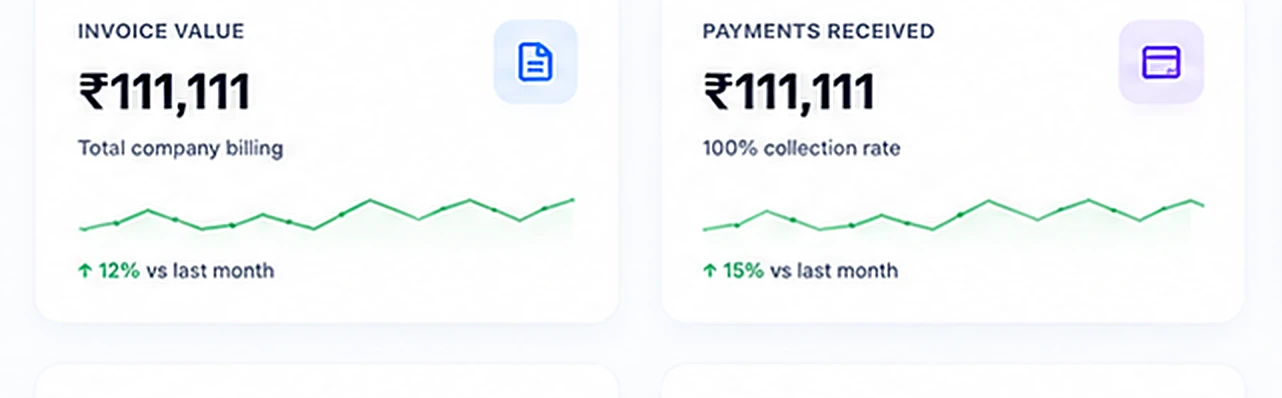
Billing, collections and balances update the moment your team closes — no spreadsheets, no end-of-month surprises.
Collection rate · demo
Monthly billing growth · demo
Turn your datainto decisions.
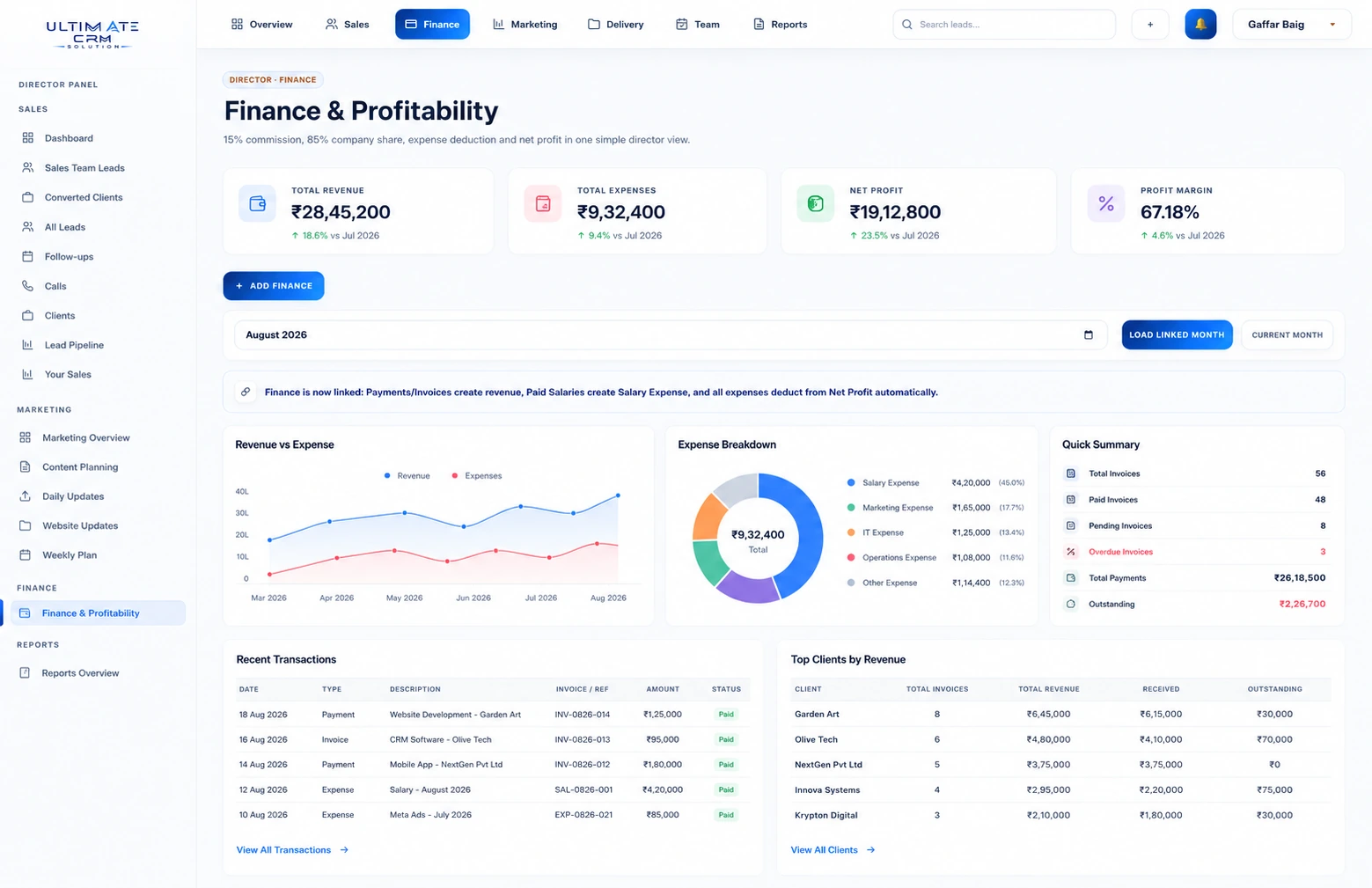
Profit margin tracked live · demo
Business modules connected · demo
Workspace for everything · demo
Leads in.Growth out.
Custom CRM software developmentfor UAE businesses.
A CRM should make the next customer action obvious. We develop CRM software that brings enquiries, deal stages, follow-ups and customer history into a shared workspace, with workflows shaped around your sales process rather than a generic pipeline.
For UAE teams receiving enquiries from several channels, we focus on clear ownership and a consistent customer record. We work remotely with your sales managers to agree language fields, branch access and reporting needs without assuming a particular office setup.
Explore UAE service coverageProject scope, process and capabilities
Keep enquiries accountable
Assign ownership, record contact history and schedule follow-ups so a lead does not disappear between a form submission and a sales conversation.
Understand pipeline quality
Track source, deal value and stage changes to see where sales stall. Useful reporting starts with consistent definitions and reliable input.
How we approach your project
Map the customer lifecycle
Agree lead sources, qualification rules, sales stages and handovers with the team using the CRM.
Configure and connect
Build records, permissions, reminders and dashboards, then connect agreed forms and business systems.
Import, train and refine
Validate existing contacts, introduce the workflow to users and improve it using real adoption feedback.
Sales and service workflows
Lead assignment, pipeline boards, task reminders, activity history, customer records and source reporting.
Business-system connections
Website forms, ERP handovers and approved communication integrations, subject to provider APIs and your account permissions.
Where it fits
CRM workflows can support B2B services, distributors, consultancies and businesses handling repeat enquiries. Qualification criteria and customer handovers are tailored to the sales cycle.
Connected services
Questions before we begin
Can a CRM match our current sales stages?
Yes. Stage names, required fields, permissions and follow-up rules can reflect your process. We first check whether the current workflow is clear enough for consistent use and reporting.
Can it collect leads from our website?
Website forms can send enquiries to the CRM through an agreed integration. We also define duplicate handling, assignment rules and the information needed for a useful first response.
Who owns the customer data?
Data ownership, user access, export options, hosting and support responsibilities should be explicit in the project agreement. We discuss these before implementation.
Tell us how an enquiry becomes a customer today, and where the handovers break down.
Plan your CRM workflow